Commercial Building Scan-to-BIM: LOD 300-350 in 14 Days
Robotic ImagingMarch 2, 2026
Commercial Building Scan-to-BIM Documentation Services
For corporate real estate managers overseeing commercial office portfolios, accurate existing conditions documentation is the foundation every downstream decision rests on — from tenant improvement design and lease negotiations to capital planning and acquisition due diligence. Yet most buildings lack verified as-built drawings, and traditional surveying methods require 4-6 weeks of repeated site access that disrupts tenants and stalls project timelines.
Robotic Imaging's commercial building Scan-to-BIM documentation delivers verified LOD 300-350 Revit models in 10-14 business days — replacing weeks of disruptive manual measurement with 2-3 days of minimally invasive laser scanning. Trusted by enterprise CRE portfolios including JLL (Jones Lang LaSalle), Robotic Imaging brings the operational depth and deliverable precision that commercial office documentation demands.
[Request Commercial Building Quote →]
Commercial Office Documentation Needs
The friction that stalls commercial office projects rarely starts on-site — it starts with missing or inaccurate baseline data. TI design teams can't develop permit documents when existing floor plates haven't been verified. Lease negotiations lose momentum when usable square footage can't be confirmed. Capital planning projections become unreliable when building system conditions are unknown.
Commercial building scan to bim documentation resolves each of these gaps in a single engagement. Robotic Imaging captures verified architectural floor plates, MEP infrastructure, and full core-and-shell conditions in 2-3 days of field work, then delivers LOD 300-350 Revit models within 10-14 business days of site access. Deliverables include the Revit model (`.rvt`), registered point clouds in `RCS`, `RCP`, `E57`, and `LAS` formats, and optional 360° virtual tours for property marketing — all in one mobilization.
For JLL-scale portfolios managing dozens of commercial assets, that combination of speed, accuracy, and deliverable breadth eliminates the documentation bottlenecks that delay every decision downstream.
Commercial Office Documentation Scope
Commercial building Scan-to-BIM documentation isn't a single scan of a floor plate. A multi-story commercial office building contains distinct zones — each with different documentation requirements, access constraints, and technical complexity. Robotic Imaging structures field capture to address all three systematically.
Core & Shell Documentation
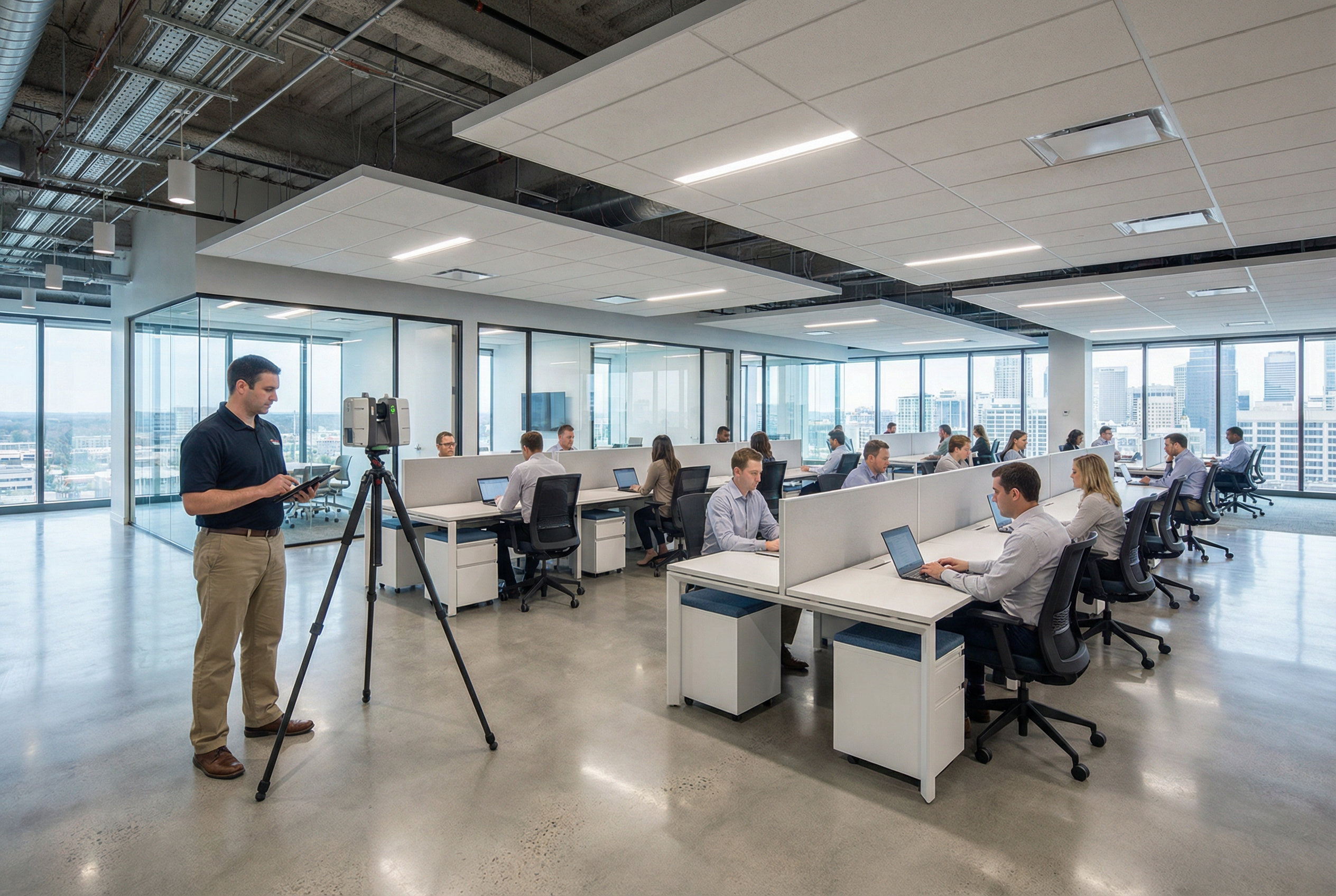
The building envelope, structural system, and vertical circulation form the baseline for every TI project and capital planning decision. Using the LEICA RTC 360 — which captures 2,000,000 points per second at ±1/16 inch accuracy with a 130-meter range — field teams document:
- Full floor plates with column grids and bay dimensions
- Ceiling heights at slab, structure, and finished ceiling levels
- Elevator lobbies, stairwells, and egress corridors
- Exterior envelope geometry, including window mullion locations
- Mechanical penthouse and rooftop equipment footprints
The LEICA RTC 360's range and speed make it the right instrument for large open floor plates where multiple scan positions must register seamlessly across a single level. On a typical 20,000-square-foot floor plate, a full core-and-shell documentation pass produces a dense, survey-grade point cloud that supports structural analysis, space planning, and code compliance review.
Tenant Space Documentation
Occupied or vacant tenant suites require documentation of the partitioned conditions that exist at the time of scanning — not the base building shell. This includes:
- Demising walls, interior partitions, and door locations
- Existing ceiling grid systems and heights
- In-place MEP distribution at the tenant level (supply/return diffusers, light fixture locations, electrical panel locations, plumbing fixtures)
- Data and power infrastructure as visibly accessible
For occupied suites, Robotic Imaging uses the compact LEICA BLK 360 in tight spaces — elevator lobbies, restrooms, storage rooms, server closets — where the full-size LEICA RTC 360 would be impractical. The BLK 360 captures the same survey-grade accuracy in confined environments, ensuring no zone of the building produces a documentation gap.
MEP Infrastructure Documentation
MEP documentation is the most technically demanding component of commercial building Scan-to-BIM — and the most consequential for TI design and MEP coordination. Robotic Imaging documents:
- Mechanical: Air handling units, VAV boxes, ductwork mains and distribution, exhaust systems, rooftop units
- Electrical: Main switchgear, electrical panels and subpanels, distribution conduit, emergency systems
- Plumbing: Riser locations, main distribution lines, floor drains, fixture rough-ins
Above-ceiling MEP access is coordinated during field capture — ceiling tiles are lifted systematically at scan positions to expose infrastructure above the drop ceiling plane. This eliminates the most common source of post-documentation RFIs: missing MEP elements that weren't visible at finished ceiling level.
LOD Level Selection for Office Buildings
Level of Development selection is one of the most common sources of uncertainty for CRE managers and architects entering a commercial building Scan-to-BIM engagement. The right LOD depends entirely on what the model will be used for — not on what sounds more thorough.
Robotic Imaging recommends LOD based on documented project scope, not upsell logic. Here's the honest decision framework:
| Use Case | Recommended LOD | What's Included |
|---|---|---|
| Space planning and tenant marketing | LOD 200 | Floor plates, ceiling heights, basic partitions |
| TI schematic design and permit documents | LOD 300 | Architectural, structural, MEP locations (nominal) |
| MEP coordination and clash detection | LOD 350 | Full MEP geometry, duct sizing, pipe routing |
| Construction-level fabrication | LOD 400 | Manufacturer-specific geometry, connection details |
For most tenant improvement projects, LOD 300 is the appropriate starting point. It captures the existing conditions with sufficient precision for schematic design, space planning, permit document preparation, and contractor bidding. The Revit model at LOD 300 will include architectural and structural elements modeled to nominal accuracy — walls, columns, beams, floors, and MEP rough locations.
LOD 350 is warranted when the project involves MEP coordination, ceiling coordination across multiple trades, or clash detection during design development. At LOD 350, MEP elements are modeled with actual geometry — duct sizing, pipe diameters, conduit routing — enabling clash detection workflows in Revit or Navisworks before construction begins.
Deliverable formats from Robotic Imaging are compatible with all major design platforms regardless of LOD: Revit (`.rvt`) for BIM workflows, `RCS`/`RCP` for Autodesk point cloud integration, `E57` and `LAS` for platform-agnostic point cloud access, and `.dwg` CAD files when 2D documentation is required in parallel.
Occupied vs. Vacant Building Scanning
The most consistent concern among corporate real estate managers evaluating commercial building scan to bim services: _will this disrupt our tenants?_
The answer depends on protocol — and Robotic Imaging's protocol is designed specifically for occupied commercial environments.
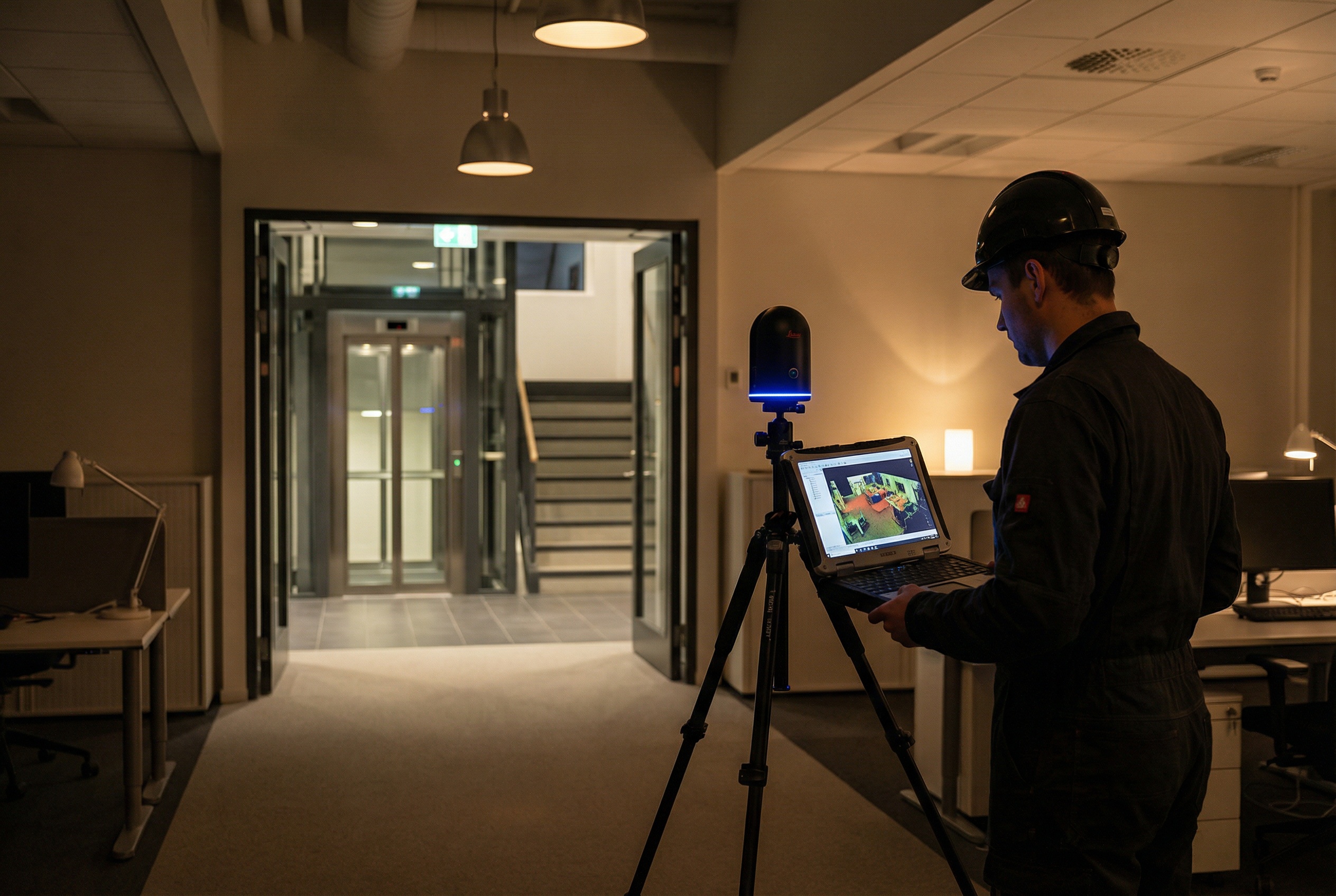
Occupied Building Protocol:
- After-hours and weekend scheduling available for tenant suite access — scanning occurs outside business hours, eliminating workflow interruption entirely
- Phased floor access allows common areas and building cores to be documented during business hours without tenant contact; occupied suites are sequenced after hours
- No-contact scanning methodology — laser scanning is non-contact, generates no noise, requires no dust or debris, and doesn't require furniture relocation
- Tenant notification coordination handled in partnership with property management — field teams work with building management to schedule access floor-by-floor
For most occupied commercial office buildings, the 2-3 day field capture window is achievable without a single tenant request for early morning or weekend access — though both options are available when building conditions require it.
Vacant Building Scanning:
Vacant floors or recently vacated suites offer complete MEP access — ceiling tiles can be lifted at every scan position without coordination constraints, producing the most comprehensive above-ceiling documentation possible. For buildings in repositioning or buildings actively seeking new tenants, Robotic Imaging simultaneously captures MATTERPORT Pro3 360° virtual tours during the laser scanning engagement.
The MATTERPORT Pro3 delivers 4K immersive walkthroughs that function as leasing tools — prospective tenants can tour spaces remotely before scheduling physical site visits. One field mobilization produces both the technical Revit model for the design team and the marketing-ready virtual tour for the leasing team.
Portfolio Applications for Corporate Real Estate
Single-building documentation solves an immediate project need. Portfolio-level documentation programs solve a structural problem: inconsistent baseline data across a commercial real estate portfolio makes capital planning, lease management, and acquisition analysis unreliable.
Robotic Imaging serves corporate real estate portfolios with standardized documentation programs that apply consistent LOD specifications, naming conventions, file formats, and delivery structures across every building in a portfolio — whether that's 5 properties or 50. JLL's use of Robotic Imaging for commercial real estate documentation reflects exactly this need: enterprise-scale consistency across a large, geographically distributed portfolio.
Portfolio applications include:
- Capital planning baselines: Building system condition data captured at LOD 300-350 gives facility teams reliable MEP age-and-condition documentation for multi-year CapEx forecasting — replacing visual walkthroughs with verified 3D data
- Acquisition due diligence: Pre-acquisition laser scanning identifies deferred maintenance, verifies usable square footage, documents existing conditions before purchase — enabling informed pricing and post-acquisition planning
- Lease negotiation support: Verified BOMA-standard floor plate measurements from point cloud data eliminate usable area disputes before they create legal friction
- Portfolio standardization: Consistent documentation standards across all holdings enable portfolio-wide comparisons — floor plate efficiency, MEP condition scoring, capital allocation prioritization
Robotic Imaging's proprietary web platform provides real-time project tracking across every active engagement, cloud-based data access for the full documentation library, and mobile access for project managers reviewing deliverables in the field. For CRE managers overseeing multi-building programs, the platform eliminates the operational friction of managing documentation across multiple vendors, formats, and delivery timelines.
With 100+ million square feet of commercial and industrial space documented, Robotic Imaging has the operational capacity to absorb large portfolio programs without the scheduling and quality consistency issues that affect smaller regional providers.
Next Steps for Commercial Office Documentation
Commercial building Scan-to-BIM documentation from Robotic Imaging delivers what CRE managers, TI architects, and facility planners need most: verified LOD 300-350 Revit models in 10-14 business days, captured in 2-3 days of minimally invasive field work, with occupied building protocols that protect tenant relationships throughout.
From a single corporate headquarters to a 50-property portfolio program, the deliverable package is consistent: Revit model, registered point clouds in all major formats, and optional MATTERPORT Pro3 virtual tours for leasing and marketing.
The technical depth that TI architects need — MEP documentation above drop ceilings, LOD 350 coordination geometry, survey-grade floor plate accuracy — is captured in the same engagement that gives your leasing team a 4K virtual tour and your capital planning team a verified building system baseline.
Ready to document your commercial office portfolio?
[Request Commercial Building Quote →]
[See Commercial Portfolio Samples →]